What Every Beginner Should Know About Forex Platforms
On this page
Getting Started With Forex Platforms
Most beginners lose money before they ever place a bad trade. They lose it by picking the wrong broker, misreading what their software actually does, or trusting a signal that was never designed to be traded blindly.
Here’s the distinction that fixes half of that confusion: a forex trading platform is only the software interface you use to view charts and send orders.
It is not your broker.
It does not set your price.
It does not hold your money.
The broker sets pricing and execution and custody. The data feed supplies the quotes. Indicators and signal services are a third layer bolted on top.
Four separate things, often marketed as one.
This guide walks the full workflow in order: verifying a broker is legitimate, choosing platform features that actually matter, placing and managing orders correctly, testing a strategy before risking capital, and reviewing trades afterward in a trade journal.
It’s written for one specific reader. You’re new, you’ve heard of MetaTrader, you’ve seen TradingView charts on YouTube, your broker offers its own web platform, and you have no idea which of these things you actually need.
Tool overload is real.
What follows is a decision-making framework, not another “top 10 best platforms of 2026” popularity list.
Those lists rank affiliate payouts. This ranks your questions in the order you should be asking them.
Platform, Broker, or Signal Tool?
Ask ten new traders who fills their order and most will say “the platform.”
Wrong answer.
And it’s an expensive misunderstanding, because it sends people shopping for software when they should be scrutinising counterparties.
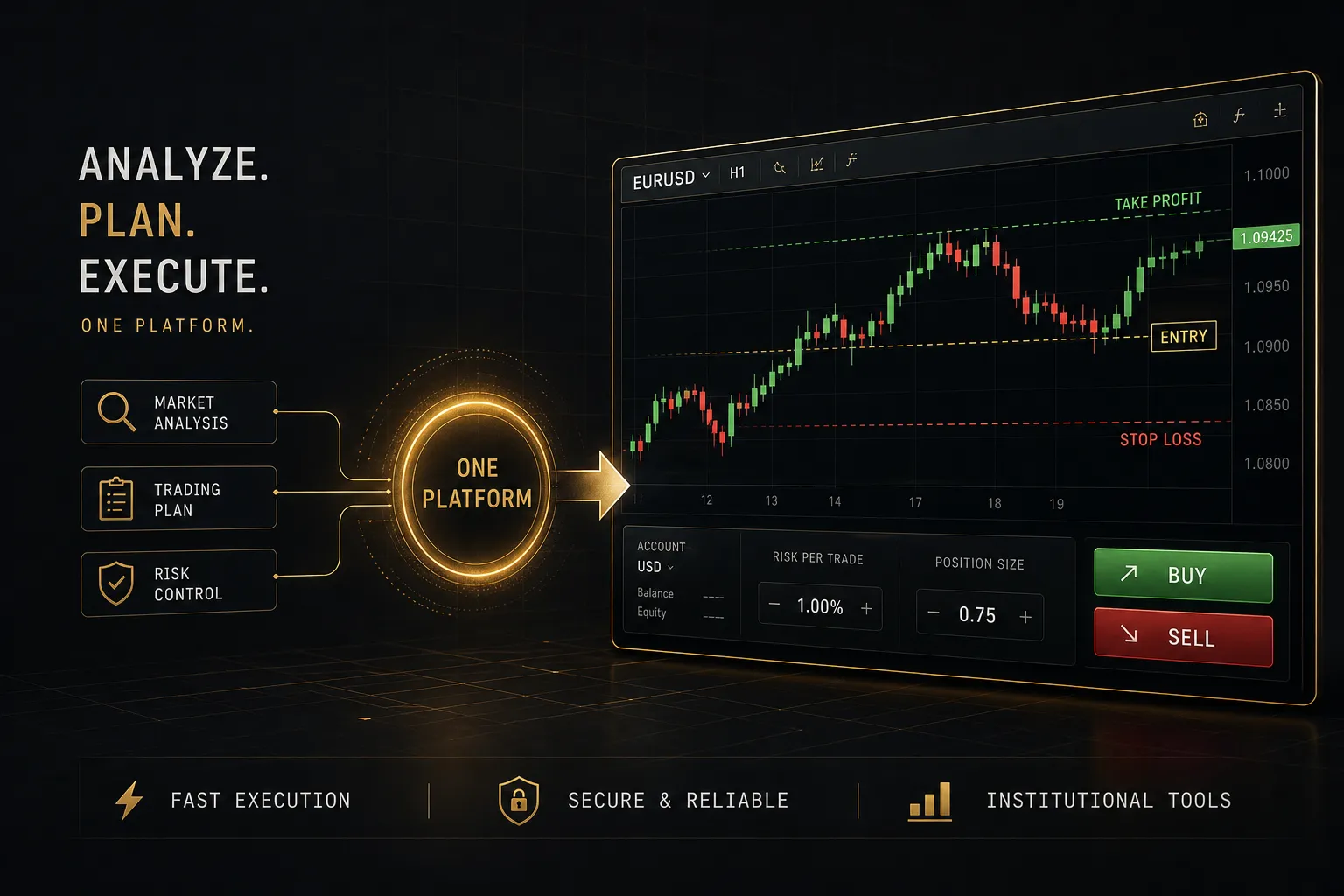
A forex trading platform is charting plus an order ticket. MetaTrader 4, MetaTrader 5, cTrader, TradingView, and proprietary broker web terminals all do broadly the same job: display candlestick charts for various currency pairs, let you draw and calculate, and transmit an instruction to buy or sell.
The broker does everything that determines your actual result. It quotes the bid-ask spread, sets your margin requirement and available leverage, decides how your order is routed, and holds your deposit. In retail over-the-counter forex, your broker is frequently your direct counterparty, which introduces counterparty risk that no chart package can protect you from.
Who Actually Controls Your Trade
Execution models matter more than interface design. Two brokers can run identical MT5 installations and deliver completely different outcomes on the same trade.
A dealing desk broker (often called a market maker) takes the other side of your position internally. It may hedge externally, it may not.
Spreads are frequently fixed and marketing-friendly, but the broker profits when you lose, which is a structural conflict worth understanding rather than panicking about.
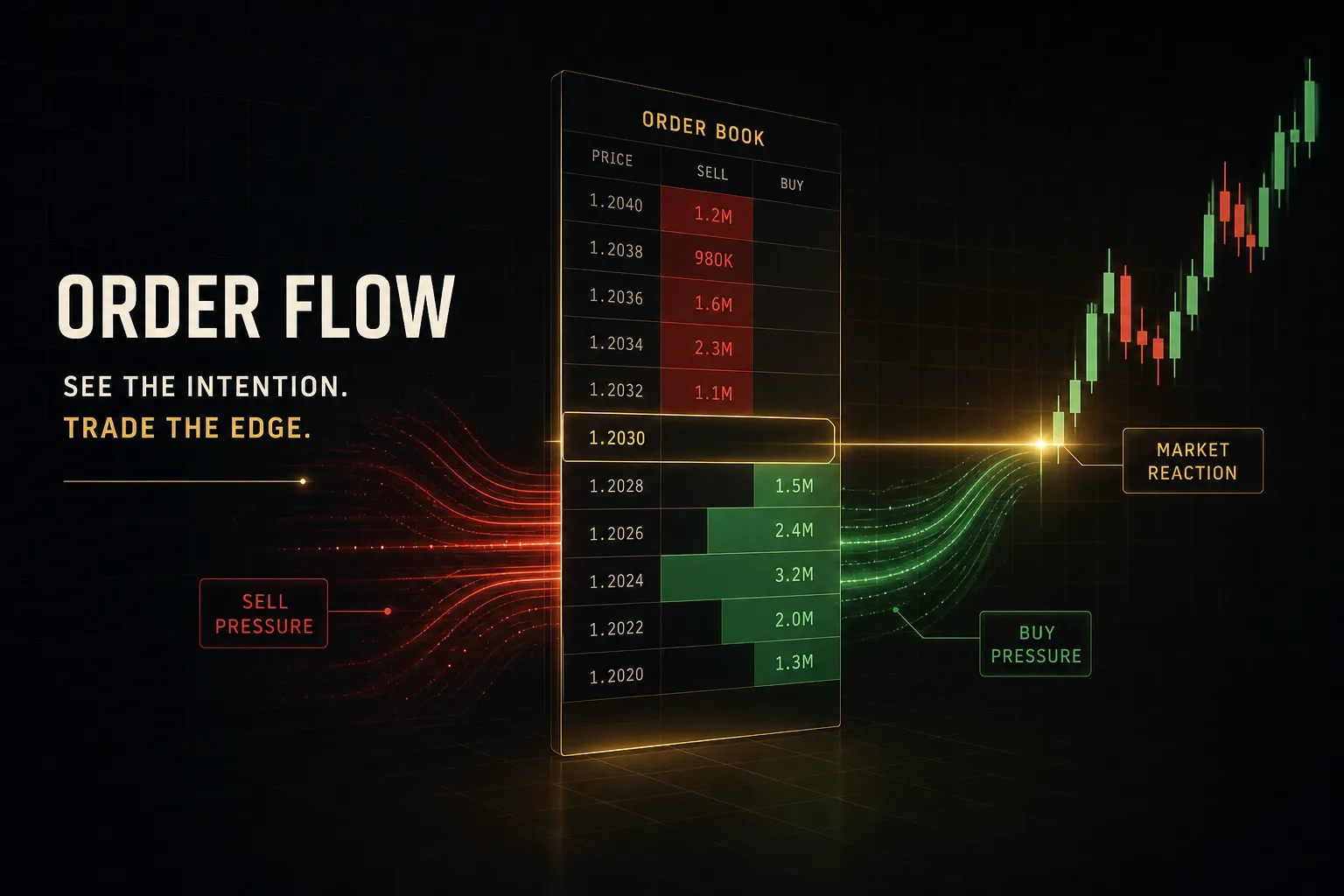
ECN/STP brokers pass orders to liquidity providers and earn a commission instead. Spreads float, sometimes as low as 0.0 pips on EUR/USD during the London session, and widen sharply around news.
You pay separately, but the incentive conflict is smaller.
The platform sends the request. The broker decides the fill. Every pip of slippage, every requote, every rejected order is a broker outcome, not a software one.
This is why “which platform should I use” is the second question.
“Which broker is legitimate and how does it execute” is the first.
Charts, Indicators, and Signals Explained
An indicator is a calculation drawn on price data. A 50-period moving average, an RSI oscillator, VWAP, Bollinger Bands: each one takes historical candles, runs arithmetic, and plots the result.
That’s it.
Nothing predictive is happening, just maths applied to what already occurred.
A signal is a trade idea derived from those calculations, or delivered by a third party such as a Telegram group or a subscription service. “Buy GBP/USD at 1.2740, stop 1.2705, target 1.2810” is a signal.
The gap between the two trips up almost everyone. An indicator crossing a threshold is information about direction.
It is not an instruction, and it certainly isn’t an entry price.
And here’s the part that resolves the most common beginner confusion outright: no chart, indicator, or signal executes anything on its own.
Without an authenticated broker connection, your platform is a very sophisticated drawing app. Signals do not become trades until an order reaches a counterparty who agrees to fill it.
Features, Costs, and Regulation
Platform marketing pages list 80 indicators and 21 timeframes. Your first profitable year will use maybe four of them.
Feature count is a vanity metric; clarity under pressure is the real specification.
Platform Features Beginners Actually Need
A workable beginner setup needs six things and can safely ignore the rest until a specific problem demands more.
- Multiple timeframes that switch instantly, so you can run multi-timeframe analysis without reloading charts. Checking a 4-hour trend before taking a 15-minute entry is basic hygiene.
- All core order types including market, limit, stop, plus attached stop-loss order and take-profit order fields on the same ticket.
- Price alerts that reach your phone. Alerts let you wait for your level instead of staring at the screen and inventing reasons to enter early.
- A genuine demo account with realistic spreads and a balance you can reset, not a permanently profitable sandbox designed to build false confidence.
- Mobile and desktop sync so drawings, watchlists, and alerts follow you. Managing an open position from a phone you’ve never configured is a bad first experience.
- A built-in economic calendar or easy access to one. Trading NFP Friday without knowing it’s NFP Friday is a solvable mistake.
The Full Cost of Trading
New traders compare spreads and stop there.
The spread is typically 40 to 60 percent of the true cost of an active short-term strategy. The rest hides in places the marketing page doesn’t mention.
| Cost component | What it is | Typical range (major pairs) | When it bites hardest |
|---|---|---|---|
| Bid-ask spread | Gap between buy and sell price, paid on entry | 0.1 to 1.8 pips on EUR/USD | Scalping, and around news releases when it can triple |
| Commission | Flat fee per lot on ECN/STP accounts | $3 to $7 per standard lot per side | High trade frequency; irrelevant to swing traders |
| Swap / rollover fee | Overnight interest differential on held positions | -$12 to +$8 per lot per night | Multi-day holds, and triple-charged on Wednesdays |
| Slippage | Difference between requested and filled price | 0 to 15+ pips in thin liquidity | Market orders during rollover or major data |
| Requotes | Broker re-offers a worse price before filling | Common on some dealing-desk accounts | Fast markets; forces a late or missed entry |
| Currency conversion | Fee when profit currency differs from account base | 0.3% to 1% per conversion | Trading crosses that don’t include your base currency |
| Inactivity fee | Monthly charge on dormant accounts | $10 to $25 per month after 3 to 12 months | Beginners who fund an account then pause to study |
Spreads are not constant.
During the overlap of the London and New York forex market session, EUR/USD liquidity is deepest and spreads are tightest. Thirty seconds before a central bank decision, that same pair can widen from 0.3 to 6 pips, and a market order placed into that gap fills wherever the book allows.
How to Verify a Broker Is Legitimate
Broker regulation is the single check with the highest payoff per minute spent. In the United States, retail forex brokers must be registered with the CFTC and be members of the NFA. Follow this sequence before depositing anything.
- Confirm NFA membership and CFTC registration. Get the firm’s NFA ID from its website footer and verify it independently rather than trusting a badge image.
- Search NFA BASIC for disciplinary history. The database shows regulatory actions, arbitration awards, and closed cases. A pattern of customer complaints is a decision, not a data point to weigh.
- Verify a real physical address and phone line. Call it. Offshore mailbox addresses and firms reachable only by chat widget are the recurring signature of scams.
- Read the segregated funds policy. Client money should be held separately from operating capital at a named custodian bank. Vague language here is disqualifying.
- Test withdrawal terms before funding. Check minimum withdrawal amounts, processing times, fees, and whether a bonus locks your balance until you hit a volume threshold. Bonus-linked lockups are a classic trap.
Outside the US, the checklist structure holds but the authorities change: the FCA in the UK, ASIC in Australia, CySEC in Cyprus, BaFin in Germany, and so on. Leverage caps, negative balance protection, and compensation schemes differ meaningfully between them.
Verify against your own jurisdiction’s regulator, and never assume US rules apply to an entity licensed elsewhere.
From Signal to Executed Trade
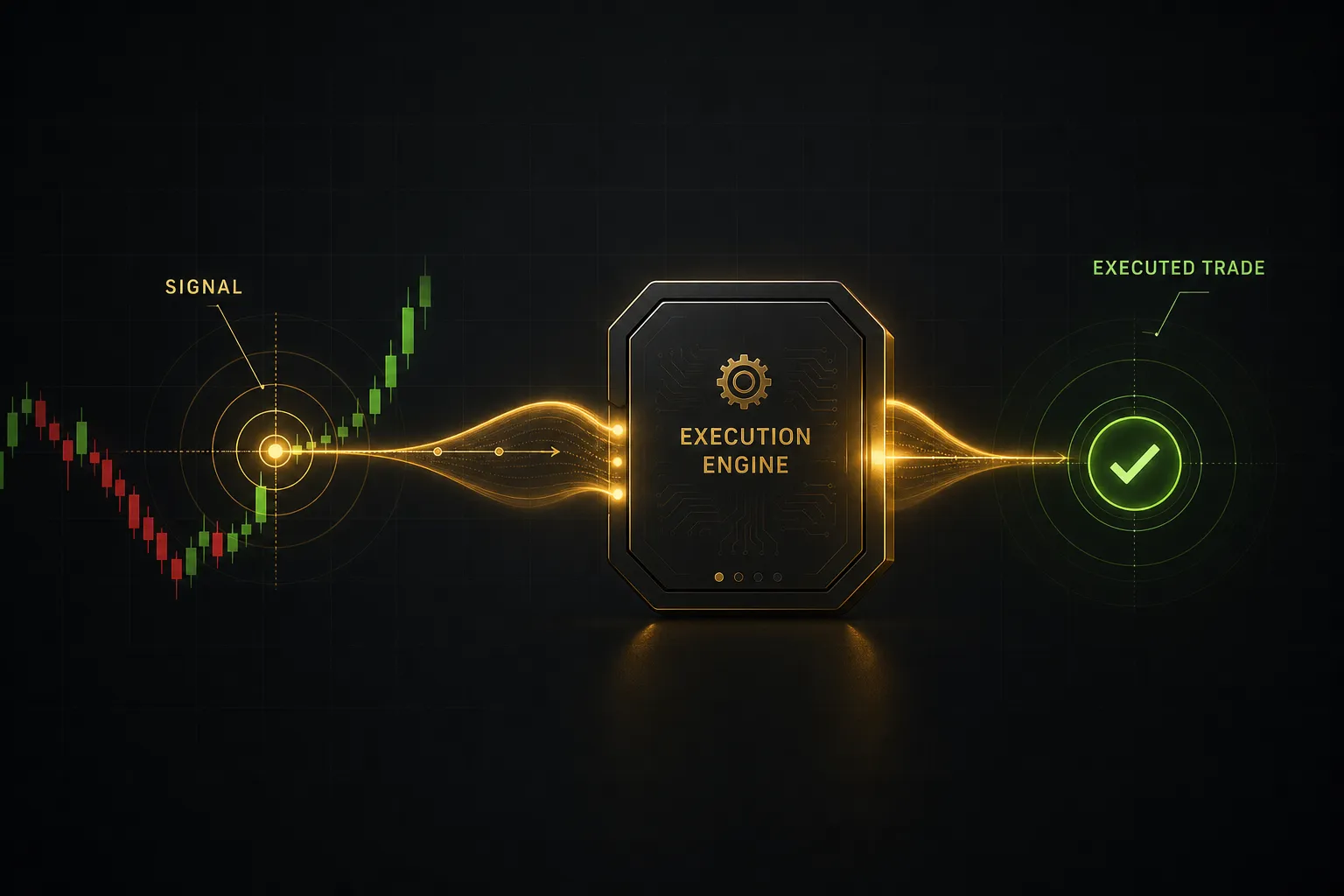
A signal fires.
Your finger hovers over the buy button. What happens in the next thirty seconds separates a process from a gamble.
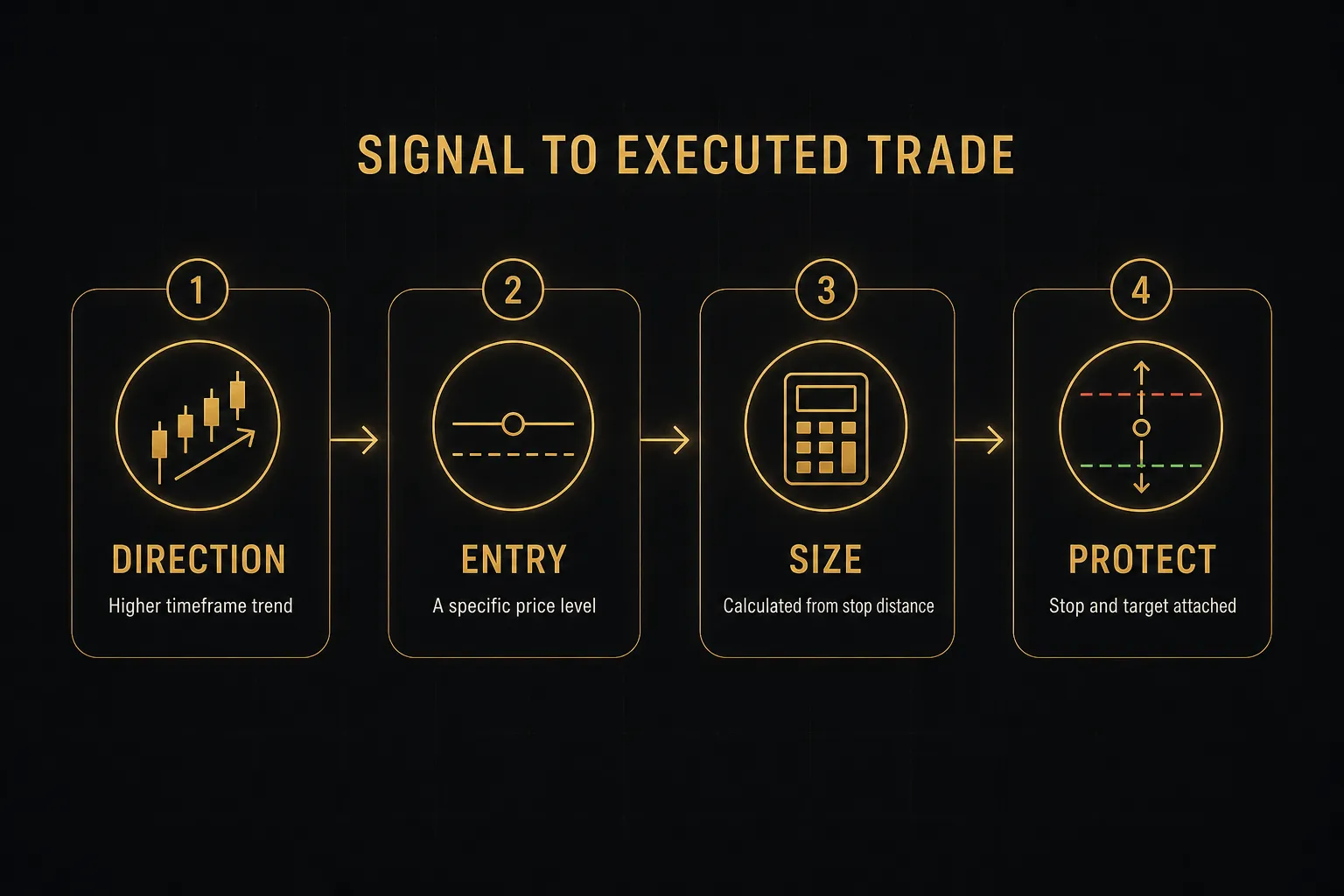
The sequence below deliberately splits one impulse into seven decisions. That friction is the point.
- Analyze the chart on the higher timeframe first. Establish trend direction on the 4-hour or daily before dropping down. Context prevents you from shorting into an intact uptrend because a 5-minute oscillator looked tired.
- Confirm the signal or setup. Your technical analysis should produce a direction with a reason attached: a break of structure, a failed retest, a moving average alignment. If you can’t state it in one sentence, there’s no setup.
- Identify a precise entry level. This is a price, not a moment. A prior swing high, a liquidity level, a VWAP touch, a round number. The signal told you which way; the level tells you where.
- Choose the order type that matches your level. If price is already at your level, market. If you want a better price, limit. If you want confirmation of a breakout, stop.
- Size the position from your stop distance. Decide your stop first, then calculate lot size so the loss equals your fixed risk percentage. Never the reverse.
- Execute and record it immediately. Log entry, rationale, stop, target, and screenshot into your trade journal while the reasoning is fresh, not after you know the outcome.
- Set stop and target on the same ticket. Attaching both at execution removes the moment where fear or hope rewrites your plan mid-trade.
Order Types Every Beginner Should Know
Three order types cover roughly 95% of retail forex activity.
- Market order: fills immediately at the best available price. Fast and certain to execute, but exposed to slippage in volatile conditions. Use when being in the trade matters more than the exact price.
- Limit order: fills at your specified price or better. A buy limit sits below current price, a sell limit above. Perfect for pullback entries, but it may never fill if price runs without you.
- Stop order: triggers once price passes your level in the direction of the move. Used for breakout entries and, critically, for the stop-loss order that closes a losing position automatically.
The stop-loss and take-profit order pair exists to remove you from the decision. Emotional management of open positions is where accounts die: moving a stop “just this once,” or closing a winner at +8 pips because green feels safe.
Pre-committed exits make your risk-reward ratio a fact instead of an intention.
Example: Separating Signal From Entry
Treating an indicator crossover as a tradable entry produces late fills and chased price. By the time an average crosses, the move that caused it is 20 pips old.
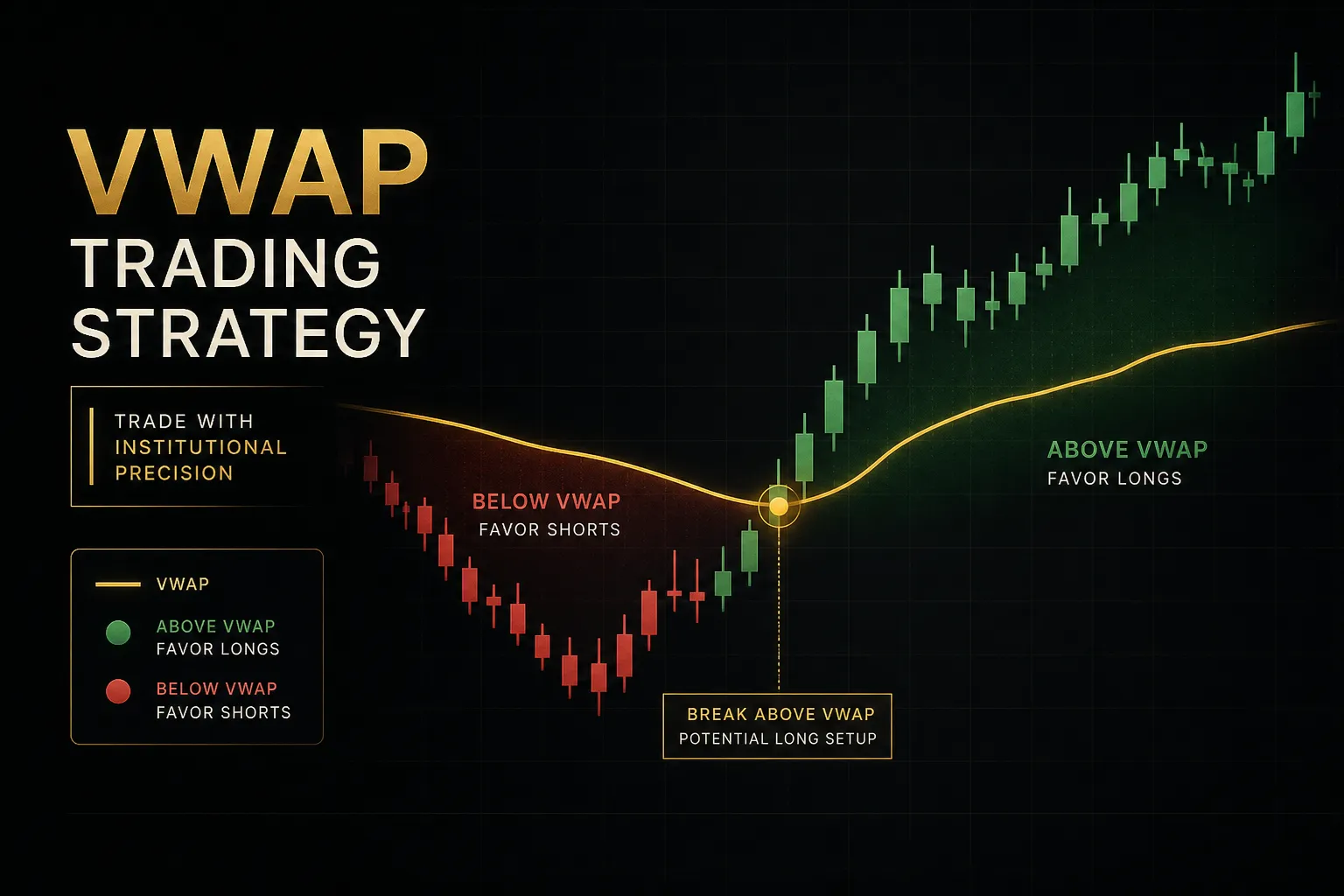
A cleaner structure splits the trade into three separate questions. PipTrend’s TradingView system illustrates this well because it deliberately keeps them apart: a colour-coded signal answers direction, marked liquidity levels and VWAP answer where to enter, and a 12-timeframe alignment table answers whether to hold or exit.
Direction, entry, management. Three questions, three tools, three moments.
The practical effect is discipline.
When the signal turns bullish but price is 30 pips above the nearest liquidity level, the structure tells you to wait rather than buy the candle. That single pause, repeated across a hundred trades, is often the entire difference between a losing month and a flat one.
Testing and Risk Control Before Going Live
Roughly three-quarters of retail forex accounts close at a loss in any given year, according to the disclosure statements European brokers are legally required to publish. Most of those traders never tested anything.
They watched, believed, funded, and improvised.
Backtest, Then Forward Test
Validation happens in four stages, in order, with no skipping.
Stage one: historical backtesting. Apply your rules to past data across at least 100 trades and multiple market conditions.
Trending 2023, choppy 2024, whatever your platform’s history covers. Record win rate, average risk-reward ratio, and maximum drawdown.
Stage two: out-of-sample testing. Reserve a chunk of data you never looked at while designing the rules, then test on it. If performance collapses, you curve-fitted.
Better to learn that now than with money attached.
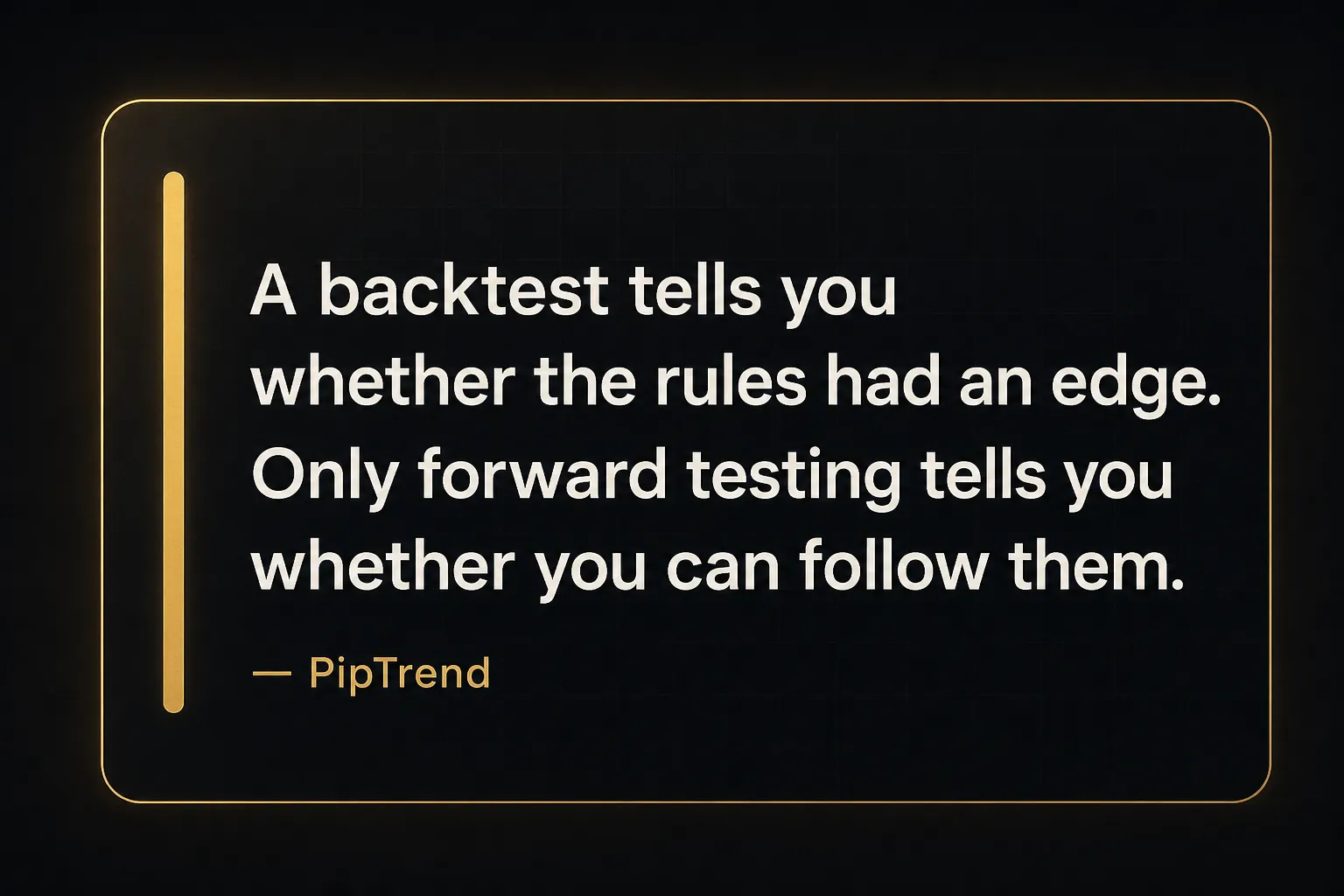
Stage three: demo forward testing. Run the strategy in real time on a demo account for at least 30 to 60 trades. Forward testing catches problems backtests hide: how the setup actually looks forming in real time, whether you can execute it while working, whether the rules are ambiguous under pressure.
Stage four: small live validation. Trade micro lots with real money for 20 to 30 trades before scaling.
This stage tests you, not the strategy.
Profitable backtests fail live for four repeatable reasons. Repainting indicators redraw their history so past signals look perfect and present ones don’t.
Lag means the signal you backtested at the close was invisible until the candle finished. Curve-fitting means the settings were optimised to fit noise. And regime change means the volatility environment simply moved on.
Calculating Position Size Correctly
Position sizing is the one calculation that mathematically prevents account destruction. The formula:
(Account equity × risk %) ÷ (stop-loss distance in pips × pip value) = position size in lots
Work it through.
You hold a $5,000 account and risk 1% per trade, so $50 is at stake. Your stop on EUR/USD sits 25 pips away. Pip value on a standard lot of EUR/USD is roughly $10, so one pip on a mini lot (0.1) is $1.
$50 ÷ (25 × $10) = 0.2 lots.
Two mini lots.
If the stop hits, you lose $50 and nothing about your account changes structurally.
Now widen the stop to 50 pips and the answer becomes 0.1 lots. The risk stays fixed at $50; the size adjusts.
That inversion, size follows stop rather than stop follows size, is the whole discipline.
At 1% risk, ten consecutive losses cost about 9.6% of the account. At 5% risk, the same losing streak costs 40% and requires a 67% gain just to break even.
Leverage does not change this arithmetic, it only changes how quickly you meet it.
Demo Testing vs Live Execution
Paper trading is essential and incomplete. Simulated fills are generated by the platform, not by a real liquidity provider deciding whether to take your order.
Four differences show up the moment real money is involved:
- Slippage becomes real. Demo servers often fill at the requested price. Live markets fill where liquidity exists, which during a data release can be several pips worse.
- Liquidity gaps appear. Sunday opens and post-news windows can jump straight through a stop level, closing you at a worse price than you planned.
- Orders get rejected. Insufficient margin, price movement beyond tolerance, or server-side limits produce rejections that demos rarely simulate.
- Psychology arrives uninvited. A 30-pip drawdown on demo is a number. On a funded account it’s a knot in your stomach that makes one-click trading dangerously easy.
Treat demo results as directional confidence.
The strategy has structure and you can follow it. Assume live performance will be somewhat worse, and size accordingly for the first few months.
Common Platform Questions Answered
What is the best forex trading platform for beginners?
The best beginner platform is whichever regulated broker’s platform you can operate confidently under pressure. Feature count is close to irrelevant at the start.
Look for clean multi-timeframe charts, all core order types on one ticket, working mobile alerts, and a demo account with realistic spreads. MetaTrader 4 and broker web terminals both clear that bar easily.
Which platform is best for forex trading?
There is no single best platform, because the platform doesn’t determine your fill price, your spread, or the safety of your deposit.
The broker does.
Choose the regulated broker first, then pick from the platforms that broker supports. A superb chart package attached to an unregulated counterparty is a worse outcome than a plain interface attached to a legitimate one.
Is forex trading available on TradingView?
Yes, but TradingView is a charting platform, not a broker. You analyse on TradingView and connect a supported broker account to execute through it.
The charts, indicators, and alerts belong to TradingView; the pricing, execution, and custody of your funds belong entirely to the broker you link. That separation is exactly the platform-versus-broker distinction in practice.
Is MetaTrader 4 or MetaTrader 5 better for forex?
MT5 is technically superior, but MT4 remains more popular for pure forex. MT5 offers 21 timeframes against MT4’s nine, more order types, an economic calendar, a faster strategy tester, and multi-asset support including stocks and futures. MT4 wins on simplicity and on the enormous library of existing indicators and expert advisors built over two decades.
For a beginner trading only currency pairs, either works.
Can I practice forex trading without risking money?
Yes, through a demo account, and you should complete at least 30 to 60 forward-tested trades before funding anything. The caveat matters: simulated fills come from the platform rather than a real liquidity provider, so slippage, rejections, and liquidity gaps are understated.
Read demo results as directional confidence in your rules, not a guarantee of live performance.
How do I know if a forex trading platform is legitimate?
Verify the broker behind the platform, not the platform itself. In the US, confirm CFTC registration and NFA membership, then search NFA BASIC for disciplinary history.
Check for a verifiable physical address, a clear segregated-funds policy, and withdrawal terms without bonus-linked lockups. Outside the US, run the same checks against your own regulator, whether that’s the FCA, ASIC, CySEC, or another authority.
Choosing Your Next Step
The decision logic compresses into two paths.
If you’re brand new, ignore indicators entirely for now. Verify a regulated broker, open a clean demo account, and learn to read price and place orders correctly.
Signal tools solve a problem you don’t have yet.
If you already trade but feel scattered, adding another indicator will not help.
Scattered almost always means too many inputs and too few rules. The fix is fewer, clearer decision points: one direction filter, one entry criterion, one exit condition.
One concrete action before you fund anything.
Complete the regulation checklist on your chosen broker, then run one full backtest-to-demo cycle on a single strategy or signal system.
Not three systems. One, tested properly, start to finish.
Here’s the perspective shift worth carrying forward: platform choice matters far less than a written, testable process.
Traders swap software hoping the next interface will fix results that were never a software problem.
The cleanest chart in the world cannot tell you where to enter, where to exit, or how much to risk.
Only you can define that, in writing, before the market opens.
Sources
Risk Disclaimer: Trading involves risk. Past performance doesn't guarantee future results. Only trade with money you can afford to lose. PipTrend is a tool to assist your trading decisions, not financial advice.