Non-repainting indicator: how to verify it actually holds
On this page
Why repainting quietly wrecks your backtests
The most dangerous chart is the one with a perfect equity curve. Every arrow sits exactly at the swing low, every exit catches the top, and the historical win rate looks like 85% or better.
Then you trade it live and the results collapse within weeks.
That gap usually comes from a repainting indicator. The signals you see on historical bars were never the signals the indicator showed at the time. They were rewritten, shifted, or deleted after the fact, so the history you are studying is a version cleaned up after the outcome was already known.
Not every moving signal is a problem, though. There is a real difference between a value that fluctuates on the currently open candle and a historical signal that changes after the candle has closed.
The first is normal.
The second is the one that breaks your backtests, and most marketing for “non repainting indicator” tools blurs the two together.
So this guide is not another ranked list of the best tools. It is a verification process you can run yourself on TradingView, MT4, or MT5, so you know whether a signal holds before you trust it.
The stakes are concrete. If you size positions, automate signal alerts, or run a trading bot off arrows that never existed at decision time, you are building risk management on fiction.
And fiction does not pay out.
What non-repainting actually means
Here is the uncomfortable truth: almost every indicator “moves” while you watch it.
That alone proves nothing.
What matters is whether it moves after the moment you would have acted on it.
Normal update vs. true repaint
Repainting means an indicator alters or deletes a plotted historical value, line, or arrow after the bar that generated it has closed.
If a buy arrow appeared on Tuesday’s 10:00 candle and is gone when you reload the chart on Wednesday, that indicator repaints.
Same thing if the arrow is still there but has slid two bars to the left.
Intrabar fluctuation is different.
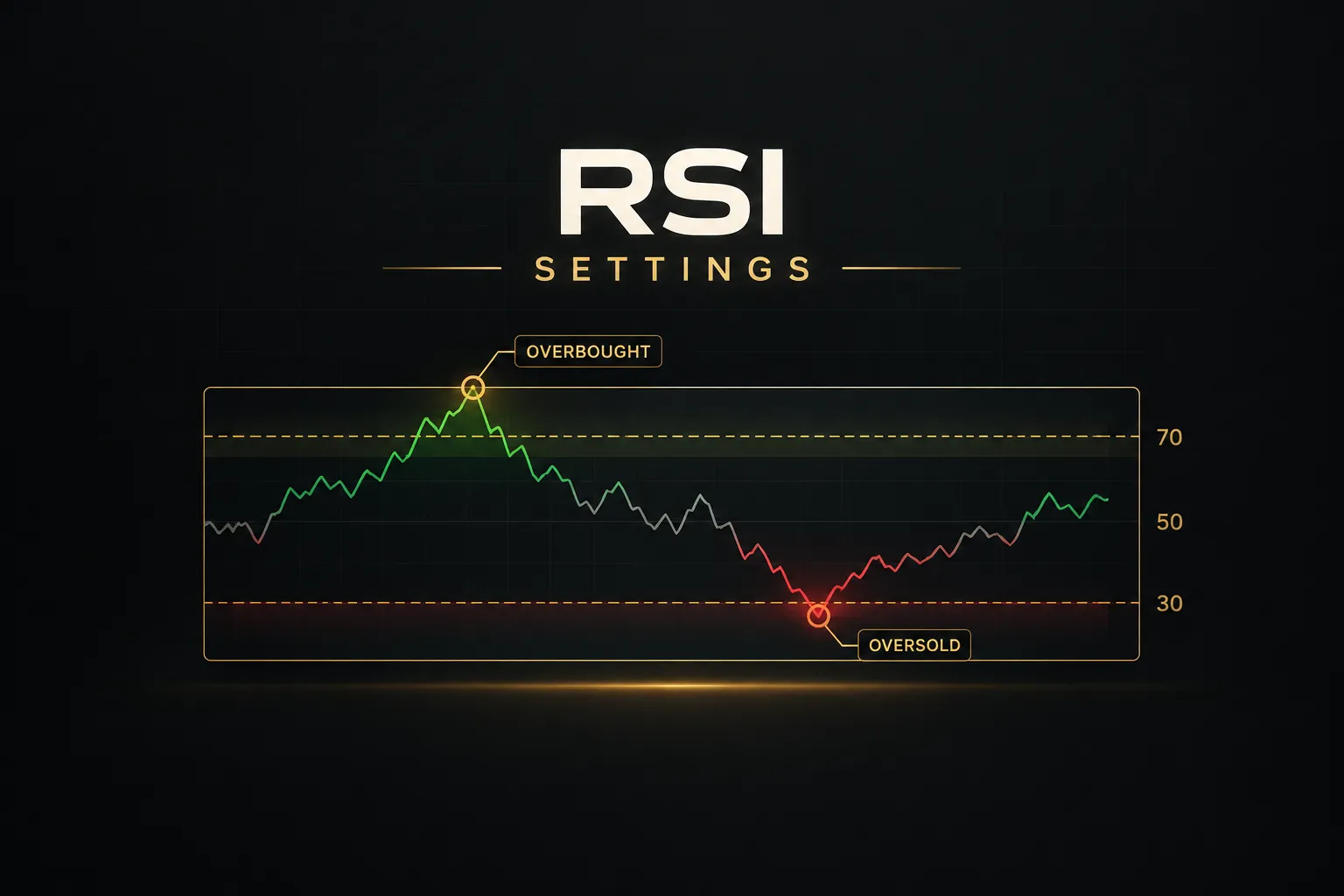
On the real-time bar (the candle that is still open), price keeps changing, so any indicator calculated from price changes too. An RSI reading of 68 can become 72 and then 65 before the candle closes. That is intrabar calculation, and it is expected behavior because the candle itself is not finished yet.
Think of it like a live sports score. The score changing during the match is normal.
The score changing in the record books a week after the final whistle is fraud.
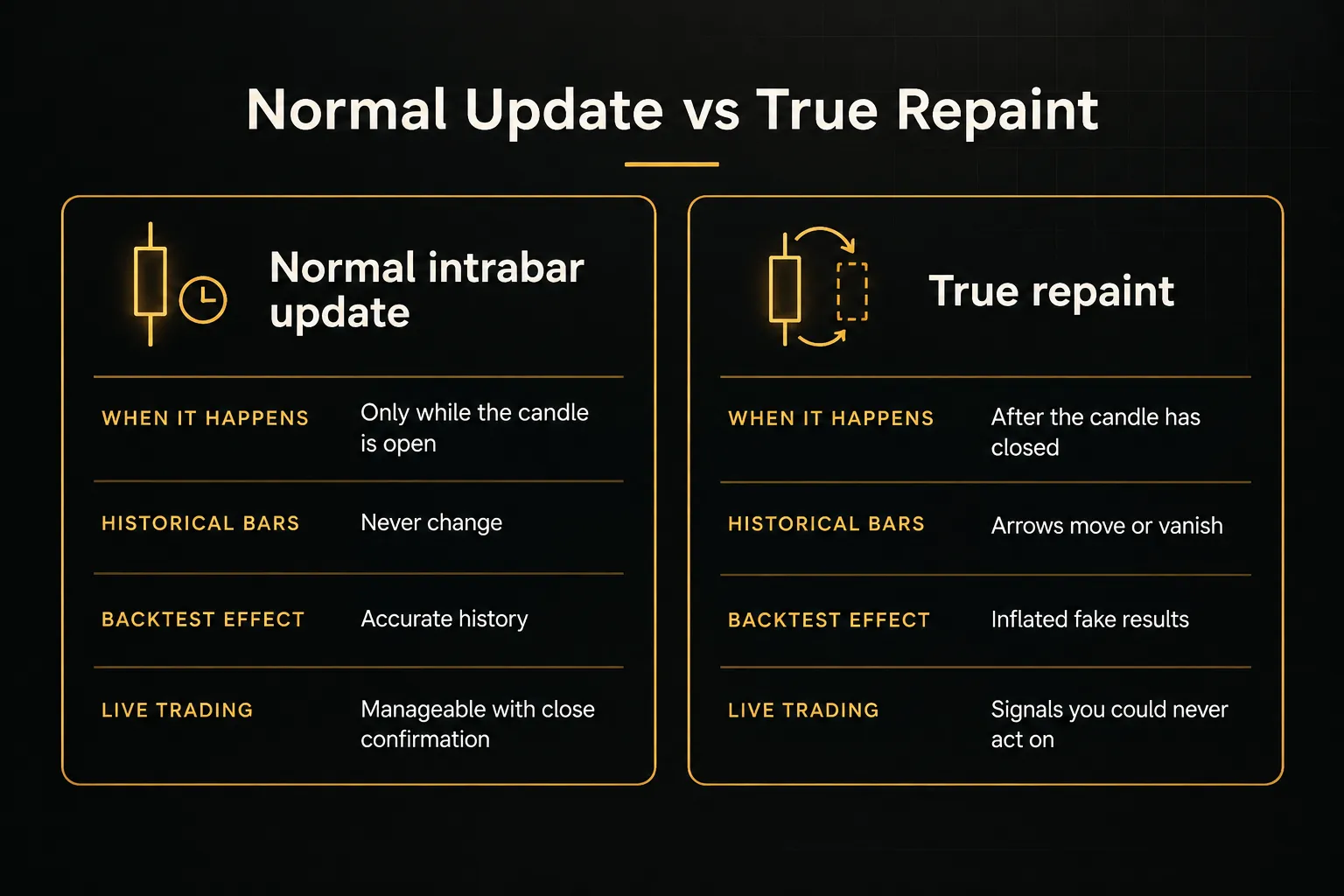
The exact moment a signal becomes final
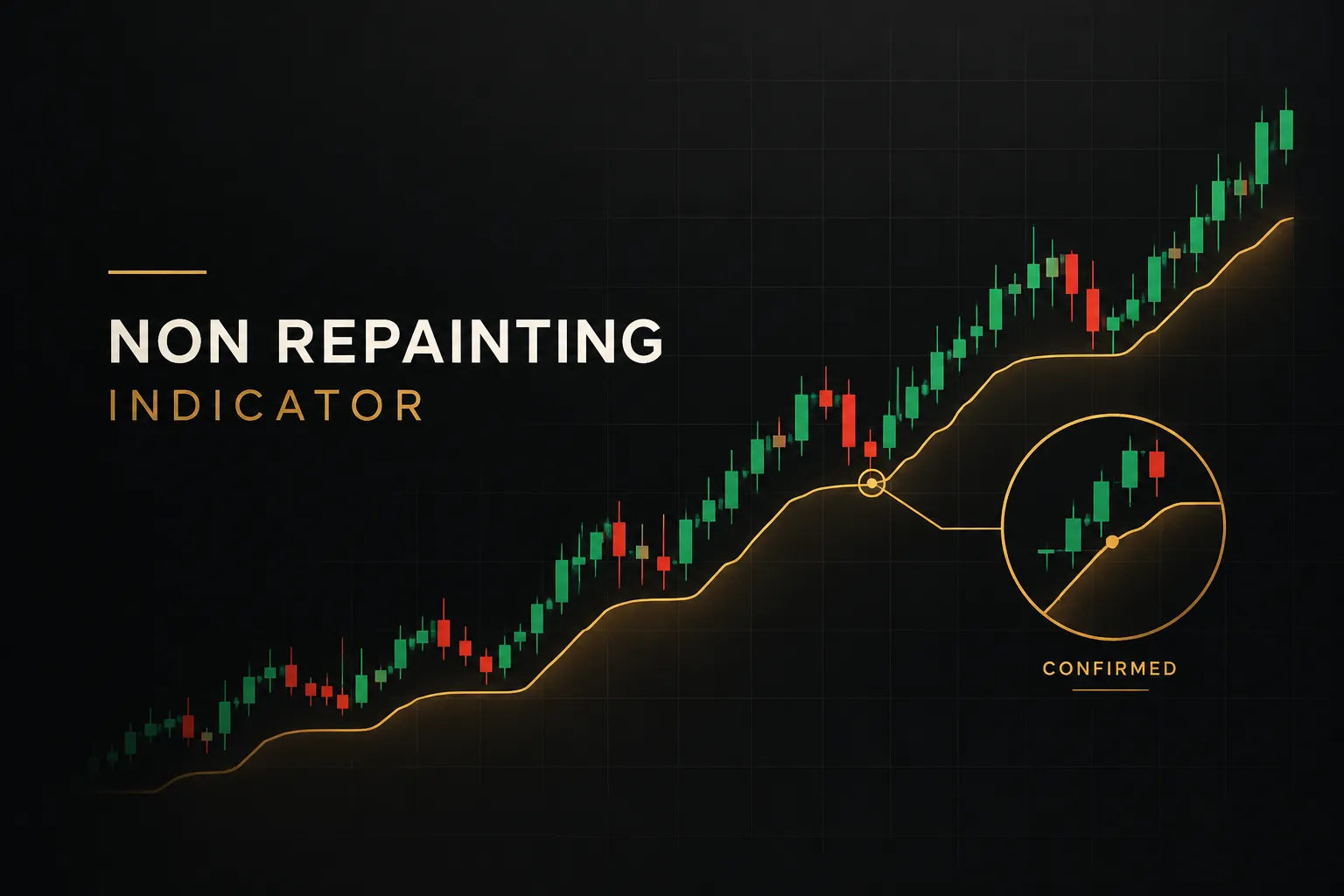
A signal earns the label “non-repainting” at one specific moment: candle close.
This is what traders mean by signal finality.
Once the bar closes, the indicator must lock its value and never touch it again.
In TradingView Pine Script, the built-in variable for this is barstate.isconfirmed. It returns true only on the final calculation of a bar, when the candle has closed.
A script that gates its signals with this condition will only print or alert once the data is complete. The same logic applies on MT4 and MT5, where a well-written indicator calculates signals on bar index 1 (the last closed bar) rather than bar index 0 (the forming bar).
So a non-repainting trading signal has two properties. It is confirmed at candle close, and it stays exactly where it printed forever after.
Miss either one and the label does not apply.
Why higher-timeframe data complicates it
This is where many “non-repainting” scripts quietly fail.
Multi-timeframe analysis pulls data from a higher timeframe, say the daily close, onto a lower chart like the 15-minute. In Pine Script, that happens through the request.security function.
The problem is simple.
On a 15-minute chart at 11:00, today’s daily candle has not closed yet. If the script requests the current daily close without an offset, it gets a value that will keep changing until the end of the session. On historical bars, it gets something worse: the final daily close, a number no trader could have known at 11:00.
That second issue is look-ahead bias, also called future data leakage. It becomes especially severe when a script sets lookahead=barmerge.lookahead_on without offsetting the requested series by one bar.
The indicator can look perfectly stable on its own timeframe, pass a casual inspection, and still produce historical signals built on information from the future.
A signal can be non-repainting on its own timeframe and still be contaminated by borrowed, unconfirmed data from a higher one. Always ask where every input comes from.
Request the previous confirmed bar (for example, close[1] with lookahead enabled) so the lower timeframe only sees higher-timeframe values that were already final. Any multi-timeframe script that skips this step deserves suspicion until proven otherwise.
How to test an indicator for repainting
You cannot verify repainting by looking at a historical chart.
That is the whole point: the history is the thing that may have been rewritten. You need to watch signals form in sequence, record them, and compare them later.
The process below works for any script, paid or free. It takes a few hours spread across a week, which is far cheaper than discovering the problem with real capital.
Testing on TradingView
TradingView gives you two powerful tools for this: bar replay and access to Pine Script source on open-source scripts.
Use both.
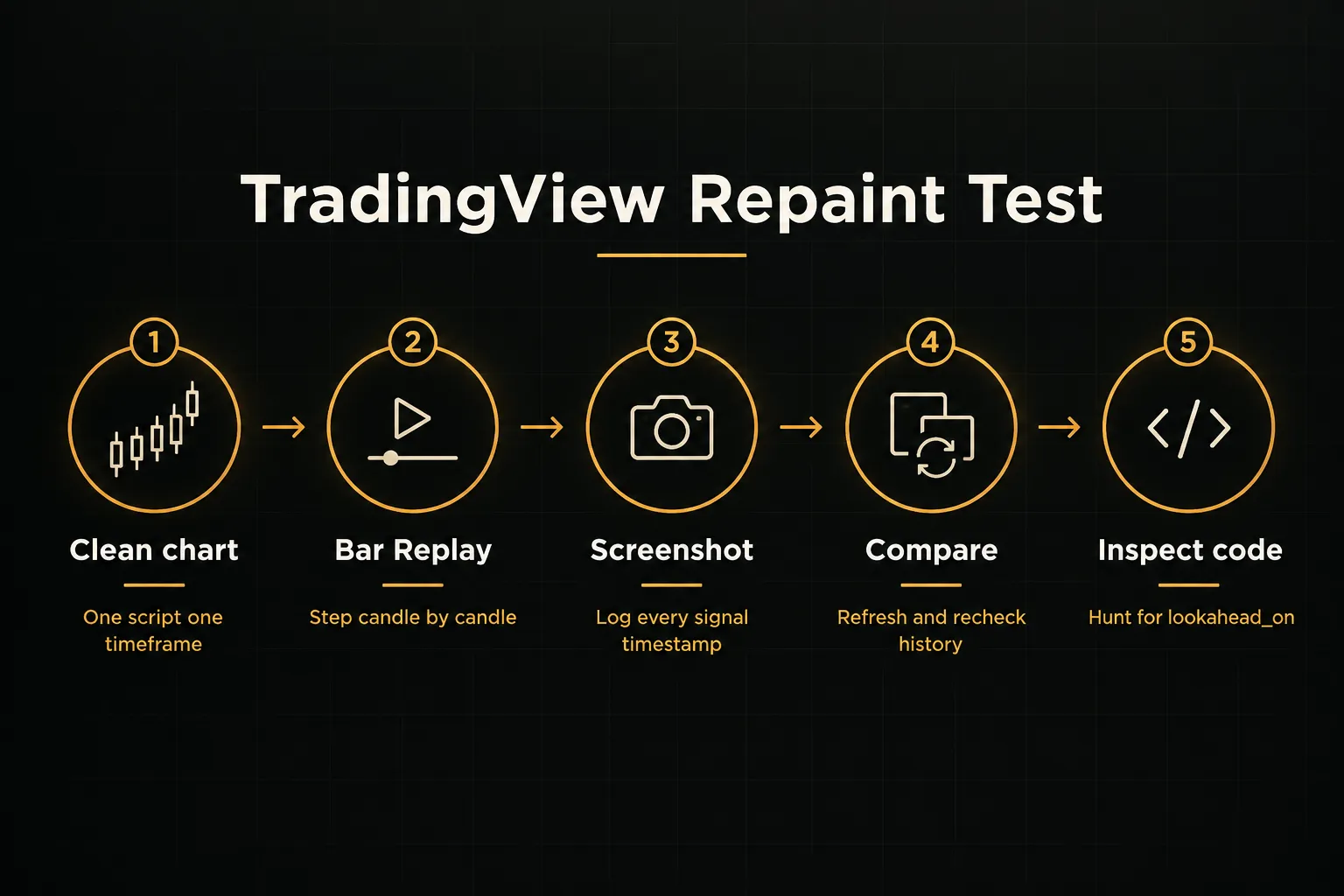
- Load the indicator on a clean chart. Pick one instrument and one timeframe, and remove other scripts so nothing interferes with what you are observing.
- Start Bar Replay at a past date. Choose a point at least a few hundred bars back, then step forward one candle at a time so the indicator calculates as if each bar were live.
- Screenshot every signal as it appears. Capture the arrow, the candle timestamp, and the price, and note whether the signal appeared mid-bar or only after the candle closed.
- Exit replay and compare against the full chart. Scroll back to the same dates and check whether every arrow sits on the same candle. Any arrow that moved, disappeared, or appeared where none existed during replay is a repaint.
- Repeat with live bars. Let the indicator run on a live chart for a day, screenshot signals at close, then refresh the browser the next day and compare. Replay is a strong test, but live data confirms how the script handles real-time ticks.
- Inspect the source code. If the script is open-source, search for request.security and check its lookahead argument. A call with lookahead=barmerge.lookahead_on and no [1] offset on the requested series is a red flag for future data leakage.
- Check alert settings. Signal alerts set to “Once Per Bar” can fire on a forming candle that later reverses. Alerts set to “Once Per Bar Close” match candle-close confirmation and reflect what the indicator actually committed to.
Testing on MT4 and MT5
MetaTrader’s Strategy Tester visual mode helps, but it is not enough on its own. Many repainting indicators behave differently in the tester than on a live chart, so a manual signal log is the more reliable method.
- Create a signal log. Use a spreadsheet with columns for timestamp, instrument, timeframe, signal direction, entry price, and a screenshot filename.
- Record signals only at candle close. When a bar closes with a signal, log it immediately and capture the chart. Ignore anything that appears on the forming bar, because that is not yet a commitment.
- Close the terminal and return on a different day. Reopening the platform forces the indicator to recalculate its full history, which is exactly when repainting logic reveals itself.
- Match every logged signal to the chart. Each arrow should sit on the same candle at the same price. Track any mismatch as a percentage of total signals.
- Watch for delayed placement. Some tools, like Bill Williams Fractals, print a mark two bars late but place it on the earlier candle. That is not strictly a rewrite, but a backtest that treats the mark as available at the earlier bar contains look-ahead bias.
Whichever platform you use, one clean screenshot proves almost nothing.
Run the test across at least three instruments (say, a major forex pair, an index, and a crypto pair), two or more timeframes, and both trending and ranging periods. Some scripts only reveal their repainting behavior during sharp reversals or high-volatility market regime shifts, which is exactly when you most need them to hold.
Do common indicators repaint?
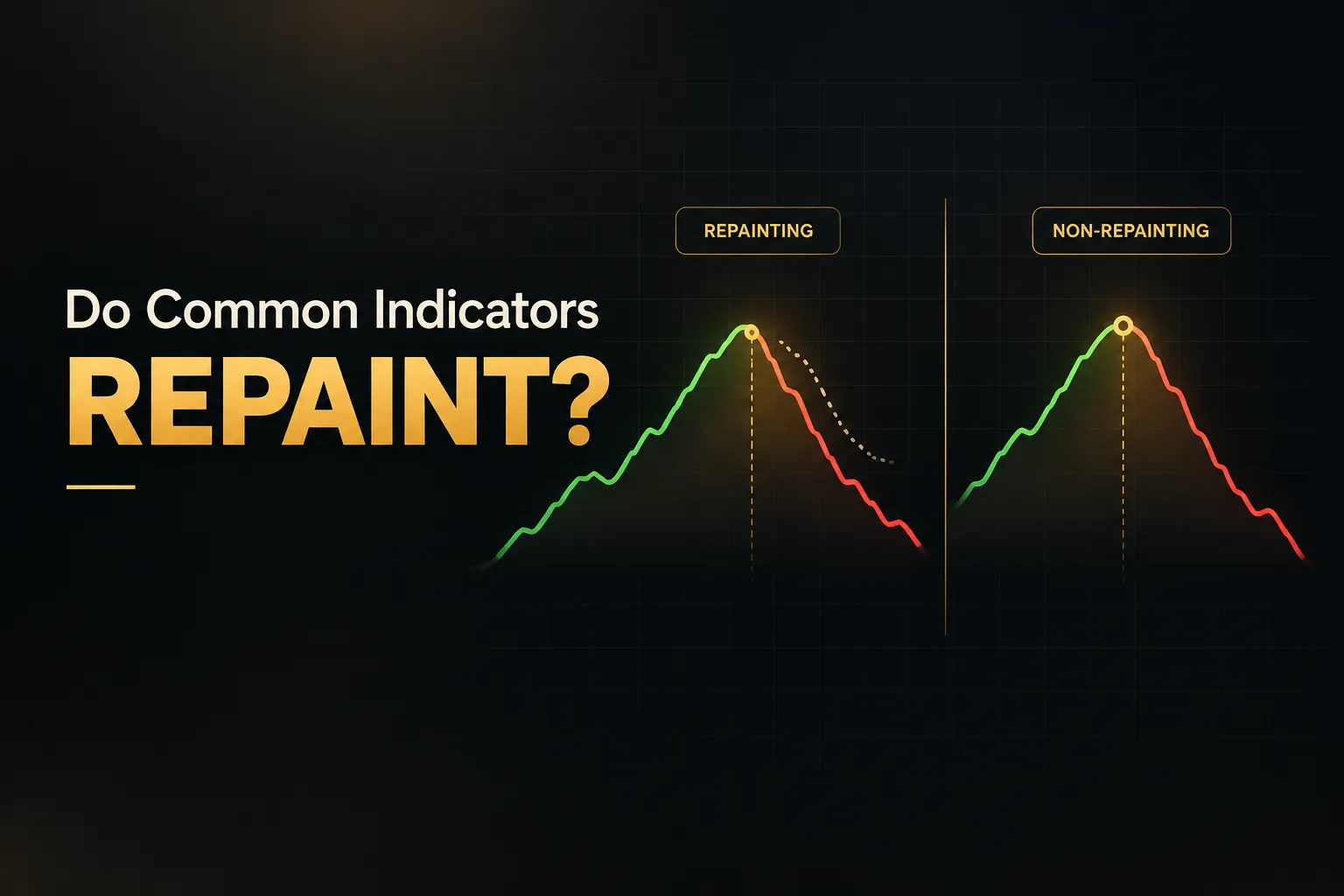
The good news: most classic indicators are clean.
The bad news is that a handful of popular tools are built on hindsight by design, and they often get packaged inside paid scripts without any disclosure.
Indicators non-repainting by design
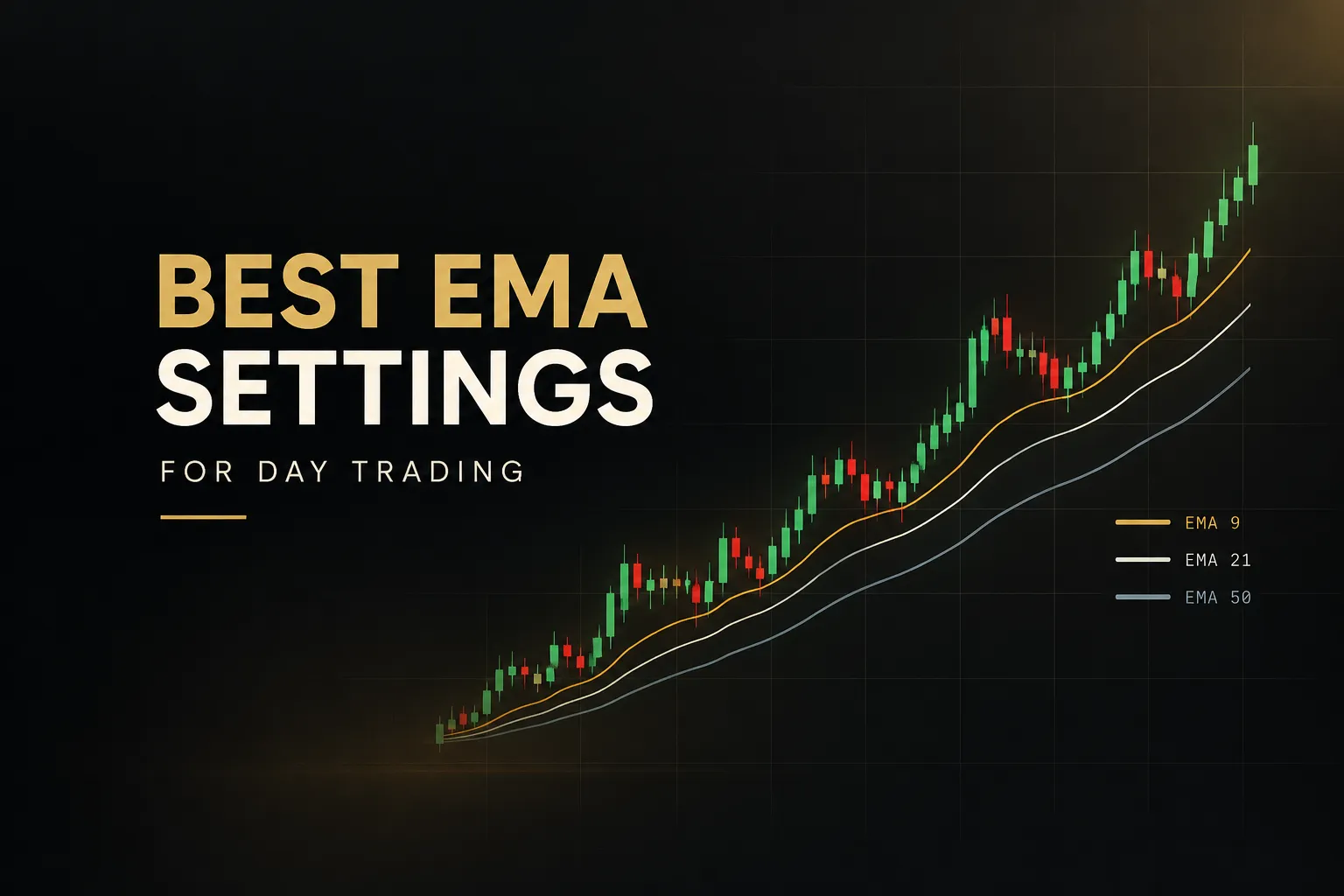
RSI, MACD, standard moving averages (SMA, EMA, WMA), and Bollinger Bands do not repaint in their default form. Each value is calculated only from closed price data at or before the bar in question.
Once a candle closes, its RSI or MACD reading is fixed permanently.
They will still fluctuate on the open candle, as covered earlier.
That is intrabar calculation, not repainting.
If you only act on closed values, these indicators give you full historical signal stability.
Indicators built on hindsight
The ZigZag indicator repaints by definition.
It cannot confirm a swing high until price has moved a set percentage away from it, so the most recent leg keeps redrawing as new bars arrive. A centered moving average does the same thing, because it averages bars on both sides of the current point, including future ones.
That does not make them useless.
ZigZag is excellent for reading market structure on a historical chart. It is simply unsuitable for live entry signals or for any backtest that claims to show tradeable results.
Pivot tools need more care.
A pivot indicator that validates swing points using future bars (like Pine Script’s ta.pivothigh with a right-bar setting of 5) only confirms a pivot five bars later. Session and daily pivots, on the other hand, use the previous period’s completed data and are stable once that period closes, but the current day’s levels are not final until the session ends.
| Indicator | Repaints after close? | Why | Fit for live entries? |
|---|---|---|---|
| RSI (14) | No | Uses only closed prices up to the current bar | Yes, on candle close |
| MACD (12, 26, 9) | No | Built from EMAs of closed prices | Yes, on candle close |
| SMA / EMA | No | Averages past closes only | Yes, on candle close |
| Bollinger Bands (20, 2) | No | SMA plus standard deviation of past closes | Yes, on candle close |
| ZigZag | Yes | Last leg redraws until a reversal threshold is met | No, structure reading only |
| Centered moving average | Yes | Averages future bars around each point | No |
| Fractals / ta.pivothigh | Delayed placement | Needs N bars to the right to confirm | Only if treated as available N bars later |
| Daily / session pivots | No, once the period closes | Calculated from the prior completed session | Yes, using prior-period levels |
| MTF scripts with lookahead_on and no offset | Yes, in history | Historical bars use final higher-timeframe values | No, until fixed |
How PipTrend confirms signals at close
A practical example of candle-close confirmation done properly is PipTrend. Its signals print only once the candle has confirmed its close, and they do not redraw afterward.
If an arrow is on your chart today, it will be on the same candle when you reopen the chart next month.
The more useful design choice is how it separates direction from entry.
A multi-timeframe table shows trend alignment across timeframes, while marked entry levels (VWAP, supply and demand zones, and session highs and lows) show where a trade actually makes sense.
Direction tells you which side to favor.
Entry levels tell you where to act.
While a trend is still forming, candles appear gray. That visual state matters, because it stops you from mistaking a developing move for a final signal.
You only treat the setup as live once the candle closes and the signal confirms, which is exactly the discipline this whole guide is built around.
Non-repainting doesn’t mean profitable
Here is where many traders get burned a second time. They finally find an indicator that passes every repaint test, run a backtest, and assume the results will carry into live trading.
Often they don’t.
Why live results diverge from backtests
A perfectly confirmed signal still has to be executed in a real market.
Slippage and spread eat into every trade, and on lower timeframes they can consume a large share of the average win. A 5-minute strategy targeting 8 pips loses a meaningful chunk of its edge to a 1.2-pip spread plus half a pip of slippage on each side.
Execution delay adds friction too.
Your signal fires at candle close, your alert reaches your phone a few seconds later, and by the time you click, price has moved. Automated systems shrink that delay but never remove it completely.
Then there are market regime shifts.
A trend-following signal that worked beautifully in a strong 2024 trend can bleed steadily in a choppy, range-bound quarter. No backtest fully replicates the next regime, which is why forward testing and walk-forward testing on unseen data matter more than one long historical run.
And there is a structural trade-off baked into candle-close confirmation itself. Waiting for the close reduces signal uncertainty, but it also means later entries.
You give up part of the move in exchange for knowing the signal is real. That changes your reward-to-risk profile compared with an early, unconfirmed arrow, and your targets and stops should reflect it.
Candle-close confirmation buys you certainty about the signal. It does not buy you certainty about the trade.
A framework to judge real performance
A single win-rate number tells you almost nothing. A 70% win rate with tiny wins and large losses can lose money, while a 38% win rate with 3:1 winners can be highly profitable.
You need a fuller picture.
Trade expectancy is the starting point.
Calculate it as (win rate × average win) minus (loss rate × average loss). A positive number means the system makes money on average per trade, after you include realistic costs.
Profit factor divides gross profit by gross loss. Values above 1.5 on a decent sample are generally considered healthy, while anything near 1.0 is fragile once costs rise.
Maximum drawdown shows the worst peak-to-trough decline.
This is the number that decides whether you can emotionally and financially survive the system, and it should drive your position sizing.
Two less common metrics are worth adding.
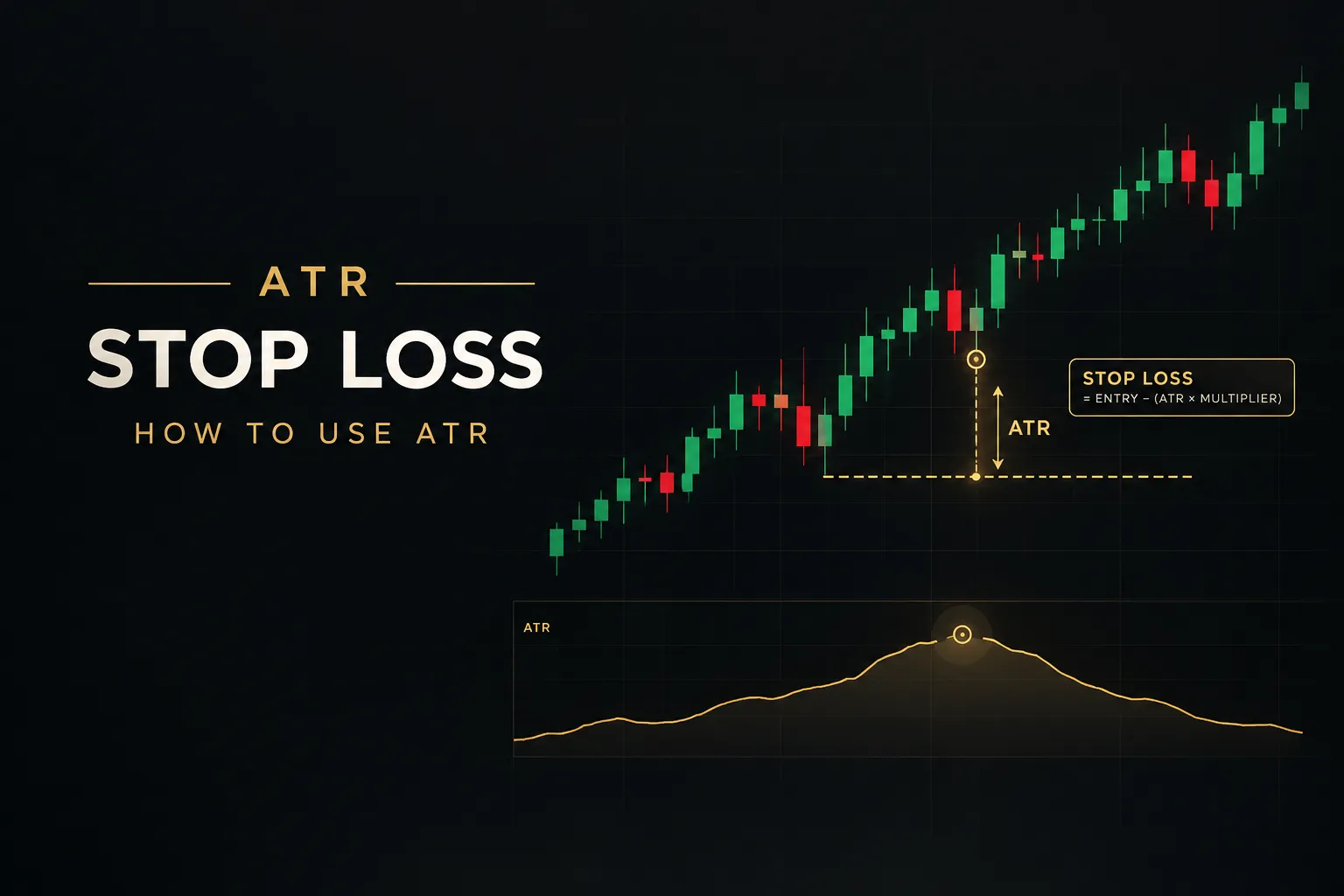
Average adverse excursion measures how far trades move against you before resolving, which tells you whether your stops are sensibly placed. Missed-signal rate tracks how many confirmed signals you failed to take, whether from delay, sleep, or hesitation, because a system you only execute 60% of the time is a different system.
Tie it all back to process.
A confirmed signal is a trustworthy chart mark, nothing more. It becomes a trading edge only when you combine it with market context, a defined stop, a profit target, and correct position sizing.
Backtest integrity is the foundation.
The rest of the house still has to be built.
Frequently asked questions
What is the best non-repainting indicator?
The best non-repainting indicator is one you have personally verified to hold its signals after candle close.
No single tool works best for every market and timeframe. Run the replay and signal-log tests from this guide, then favor confirmed-close systems like PipTrend that separate trend direction from entry levels and show forming trends distinctly from final signals.
How do you know if an indicator is repainting?
An indicator is repainting if any signal changes, moves, or disappears after its candle has closed. Test it by stepping through TradingView’s Bar Replay or logging signals at close on MT4/MT5, then reloading the chart days later and comparing.
If even one historical arrow shifted, treat the tool as repainting.
Which TradingView indicators do not repaint?
TradingView’s built-in RSI, MACD, moving averages, Bollinger Bands, and standard daily pivots do not repaint once a candle closes.
Community scripts are a different story.
Any script using request.security with lookahead enabled and no one-bar offset, or relying on ZigZag or future-bar pivot logic, should be tested before you trust it.
Do non-repainting indicators lag?
Yes, non-repainting indicators lag slightly by design, because they wait for candle close to confirm a signal.
That delay is the price of reliability.
You enter a little later, but you enter on a signal that actually existed at decision time, which means your backtests and live results describe the same thing.
Can repainting indicators be profitable?
Repainting indicators can be useful, but not as automated entry signals or as the basis for backtest claims. ZigZag, for example, is excellent for reading swing structure in discretionary analysis.
The problem starts when someone presents repainted history as proof of a tradeable edge, because those results were never achievable in real time.
How do I stop an indicator from repainting?
You stop an indicator from repainting by only acting on confirmed, closed-bar data. In Pine Script, gate signals with barstate.isconfirmed and request higher-timeframe values with a one-bar offset.
On TradingView alerts, choose “Once Per Bar Close.” If the logic itself uses future bars, like ZigZag, no setting will fix it, so pick a different tool.
The one check to run before you trust any signal
Forget the sales page.
Forget the flawless screenshot.
There is one test that cuts through all of it, and it costs nothing but a week of patience.
Log the next 10 signals yourself at candle close.
Record the timestamp, instrument, timeframe, direction, and price, and take a screenshot of each one. Then come back to the chart a week later, reload it fresh, and check every single entry.
The decision rule is plain.
If a signal changes after candle close, it is a backtest prop, not a trading tool.
Walk away, no matter how good the historical chart looks.
If all 10 hold exactly where they printed, the indicator has passed the entry exam, and you can move on to measuring expectancy, profit factor, and maximum drawdown.
Keep perspective, though.
Non-repainting is the minimum requirement for trust, not proof of an edge.
It tells you the chart is honest… and nothing about whether the strategy behind it makes money.
The traders who last in 2026 and beyond treat verified signals as one layer of a complete process.
Confirmed direction, defined entry levels, multi-timeframe context, and a planned exit work together. That is the structure PipTrend is built around, and it is the standard any tool you trade with should meet.
Sources
Risk Disclaimer: Trading involves risk. Past performance doesn't guarantee future results. Only trade with money you can afford to lose. PipTrend is a tool to assist your trading decisions, not financial advice.