
Want to unlock the full power of free TradingView for 2025? You’re not alone—over 100 million traders and investors worldwide depend on this robust platform for their daily market analysis.
Mastering free TradingView tools can help you spot opportunities, analyze trends, and trade smarter without paying for premium upgrades. This guide will walk you step by step through setting up your account, using charts, applying indicators, finding assets with screeners, setting alerts, and maximizing every free feature available.
By the end, you’ll confidently navigate TradingView’s free platform and harness its best features to boost your trading results in 2025.
What Is TradingView? Overview and Key Features
TradingView has become a powerhouse in the world of online trading platforms. Launched in 2011, it started as a simple web-based charting tool and quickly evolved into a global ecosystem embraced by traders, investors, and fintech innovators. Today, free tradingview is not just a charting platform—it’s a vibrant social network and research hub for anyone interested in the financial markets.
The platform’s impact is enormous. Over 100 million traders and more than 40,000 companies rely on TradingView’s tools for market analysis and decision making. Whether you’re a retail trader, institutional investor, or developer, free tradingview offers a versatile space to analyze stocks, forex, crypto, commodities, and indices with ease.
Let’s break down what makes the free tradingview experience so compelling. Even on the free plan, users get access to a robust suite of features:
- Interactive charts with multiple timeframes and chart types
- 100+ built-in technical indicators for strategy development
- Comprehensive drawing tools for annotation and analysis
- Asset screeners for stocks, forex, and crypto markets
- Social networking: share ideas, scripts, and chat with the global community
- Mobile and desktop apps for seamless access on any device
Accessibility is at the core of free tradingview. The platform is browser-based, so there’s no need for heavy downloads. For those on the go, dedicated mobile and desktop apps are available. Plus, with support for over 30 languages, TradingView truly brings global markets to your fingertips.
How does free tradingview compare to paid plans? Here’s a quick side-by-side look:
| Feature | Free TradingView | Essential/Plus/Premium |
|---|---|---|
| Interactive Charts | Yes | Yes |
| Number of Indicators per Chart | Up to 2 | Up to 25 |
| Saved Chart Layouts | 1 | Multiple |
| Alerts | 1 per chart | Up to 400 |
| Ads | Yes | No |
| Priority Support | No | Yes |
The free tradingview plan includes everything you need to get started, but with some limitations on advanced chart layouts, simultaneous indicators, and alert capacity. For those who want a deeper dive into what’s included and what’s not, check out this in-depth review of TradingView's Free Plan Features.
TradingView isn’t just about tools—it’s about staying current. The platform rolls out regular updates, new features, and improvements, ensuring that even free tradingview users benefit from the latest innovations. Its commitment to accessibility and usability means you can expect a smooth, reliable experience, no matter where you’re trading from.
Whether you’re a beginner exploring market charts or a seasoned trader developing strategies, free tradingview stands out as a flexible, community-driven solution for the modern market participant.

Getting Started: Creating a Free TradingView Account in 2025
Ready to harness the power of free tradingview for your trading journey? Setting up your account is simple and lets you access a world of charting and analysis tools in minutes. Here’s how to get started.
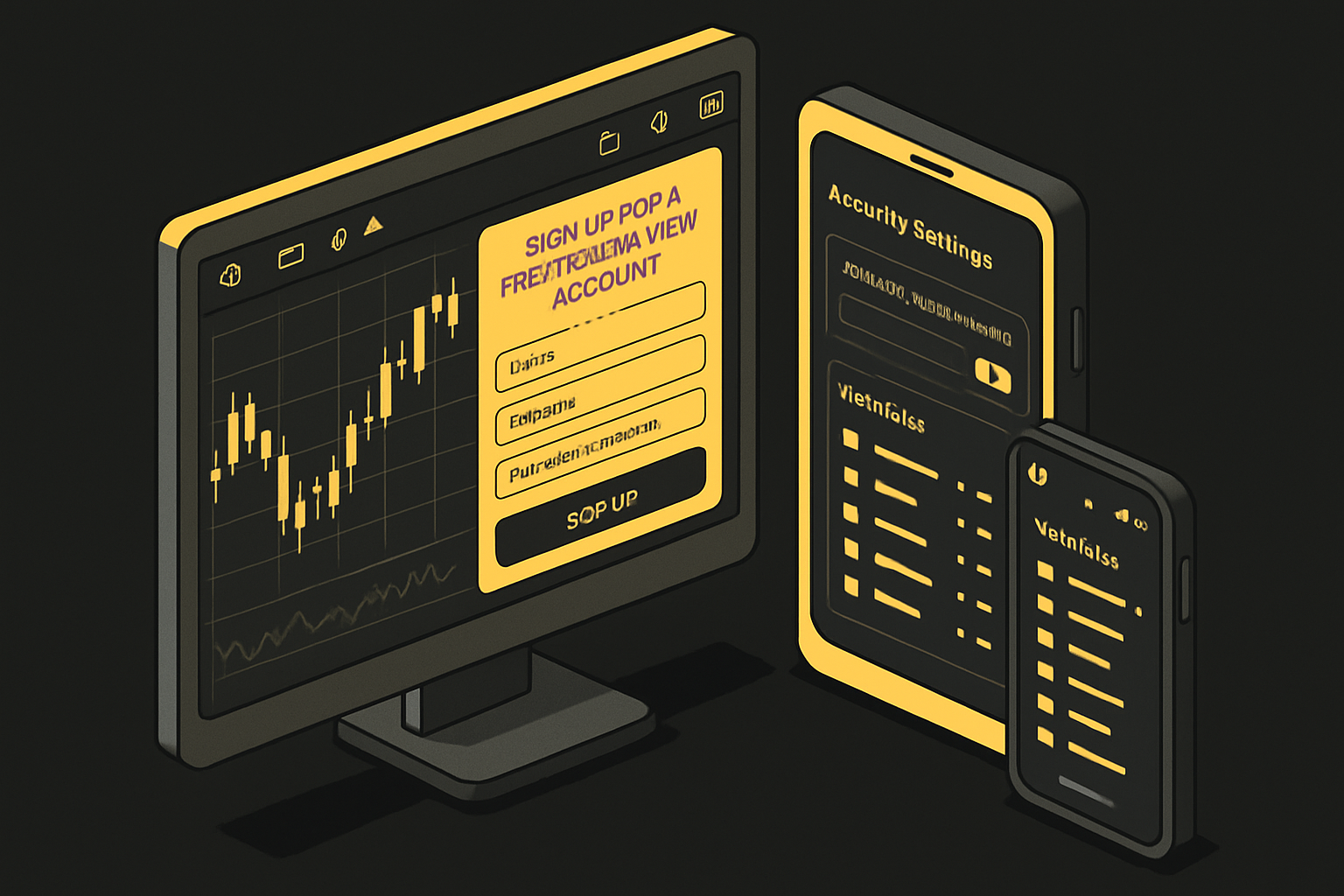
Begin by visiting the TradingView homepage and clicking “Sign Up.” You can register for a free tradingview account using your email, Google, Apple, or Facebook credentials. After entering your details, you’ll receive a verification email—click the link to activate your account. You’re now ready to explore TradingView’s robust features at no cost.
Once logged in, you’ll land on the main dashboard. This is your command center for free tradingview tools. The navigation bar lets you quickly access charts, screeners, and your profile. Use the symbol search at the top to find stocks, forex pairs, or crypto assets. Familiarize yourself with the layout—it’s designed for efficiency and ease of use.
Personalizing your experience is key. In your profile settings, set up watchlists for your favorite assets. You can choose default markets to see relevant data first. Free tradingview users can also customize the interface theme, notification preferences, and set up two-factor authentication for added account security. Don’t forget to explore the privacy options to control what information is shared publicly.
If you prefer trading on the go, download the TradingView mobile or desktop app. Both versions allow you to sync your watchlists, layouts, and indicators automatically. Just log in with your free tradingview credentials, and your settings will follow you anywhere. This seamless experience ensures you never miss market movements, whether at your desk or on your phone.
TradingView’s social features are available even on a free tradingview account. You can browse trading ideas, join public chats, and follow top traders. If you hit a snag during signup or setup, check out the TradingView Self-Help Resources for step-by-step troubleshooting and tips. Most issues are resolved quickly, so you can get back to analyzing the markets with confidence.
Navigating TradingView’s Free Charting Tools
Unlocking the full potential of the free tradingview platform starts with mastering its charting tools. These features are the heart of your market analysis, letting you visualize trends, test strategies, and make informed decisions—without spending a dime.
Understanding the Chart Interface
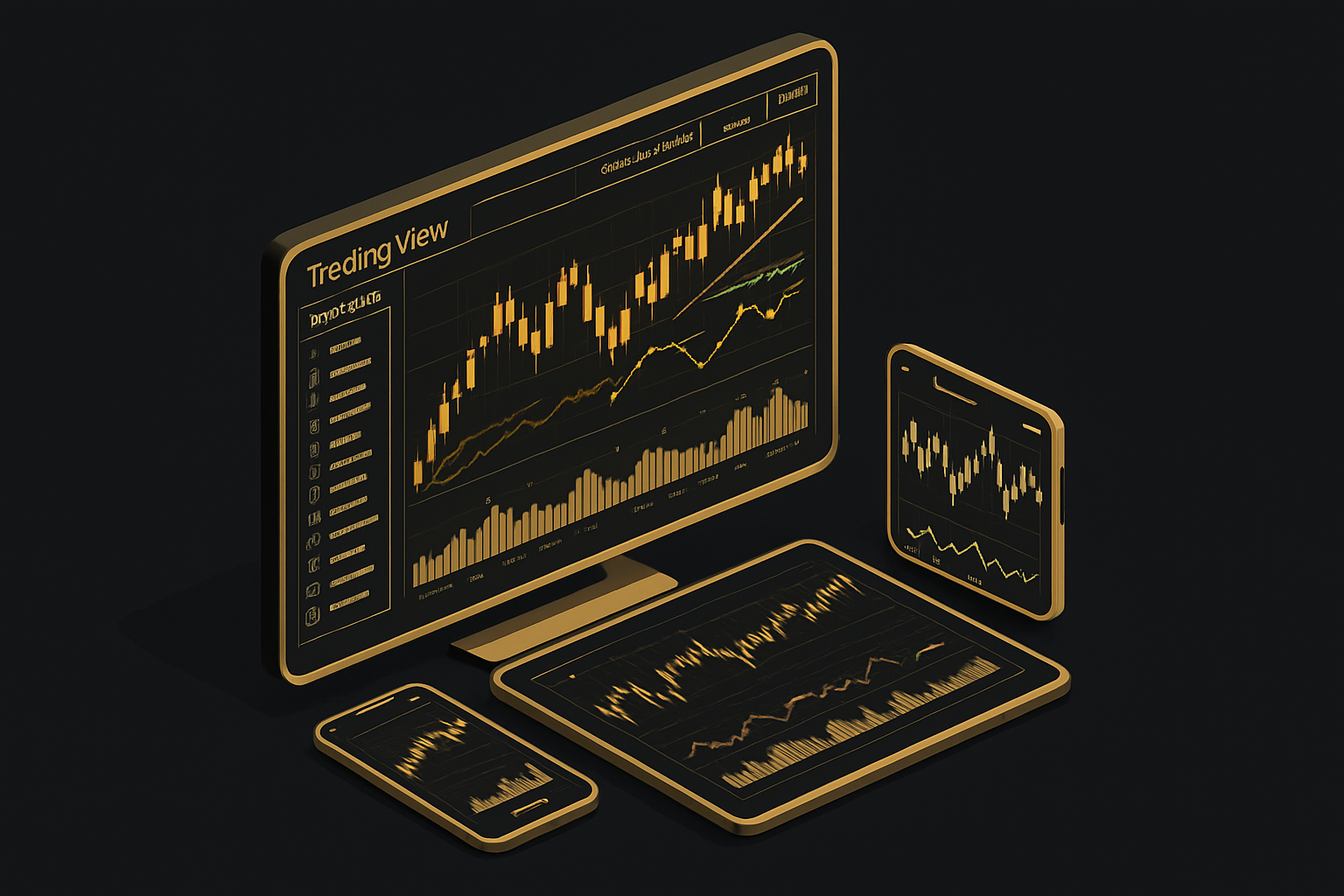
The chart interface is where every free tradingview journey begins. At the top, you’ll find the navigation bar, symbol search, and timeframe selection—making it easy to jump between assets and zoom in on price action. Below, the main chart window displays your chosen instrument, with crisp graphics and real-time updates.
Switching between chart types is simple. Free tradingview users can access:
- Candlestick charts
- Bar charts
- Line charts
- Heikin Ashi
- Renko
- Area and baseline charts
These options help you tailor your analysis to any market. Even as a free tradingview user, you can experiment with multiple chart layouts. While free accounts have some limits on saved layouts and open charts, you can still save your workspace and switch between assets quickly.
What’s impressive is the platform’s responsiveness. Even with thousands of data points loaded, charts remain smooth and interactive. This means you can explore historical price action or zoom in for day trading, all with a seamless experience.
Using Drawing Tools and Annotations
Drawing tools are essential for technical analysis, and free tradingview gives you access to a powerful toolkit. On the left panel, you’ll find:
- Trendlines and channels
- Horizontal and vertical lines
- Fibonacci retracement and extension
- Shapes (rectangles, ellipses, triangles)
- Text notes and callouts
Customizing these tools is straightforward. You can adjust colors, thickness, and styles to make your charts truly your own. Annotating charts helps you plan trades, spot support and resistance, and map out potential setups.
Sharing your annotated charts with the free tradingview community is just a click away. You can publish ideas, get feedback, or simply save them for your own reference. If you’re new to chart pattern recognition, check out this Trading chart patterns explained guide for foundational tips.
For example, many forex and crypto traders use the drawing tools to sketch out trendlines and Fibonacci levels. This visual approach makes it easier to stick to your strategy and communicate your analysis with others.
Applying Free Technical Indicators
No free tradingview experience is complete without technical indicators. Free users get access to 100+ built-in indicators, including all the essentials. Adding an indicator is a breeze—just click “Indicators” above the chart and search or browse the list.
You can adjust settings for each indicator, like period lengths or smoothing. Overlay them on your chart or keep them in separate panels below. Combining indicators is where the magic happens: use moving averages to spot trends, RSI for momentum, and MACD for confirmation.
Here’s a quick table of popular free tradingview indicators:
| Indicator | Use Case |
|---|---|
| RSI | Overbought/oversold |
| MACD | Trend direction |
| Moving Average | Smoothing price |
Experiment with different combinations to match your trading style. With free tradingview, you can save indicator templates for quick re-use, helping you stay efficient and focused on your analysis.
Utilizing TradingView’s Free Screeners, Alerts, and Market Analysis Tools
Unlocking the power of market analysis with free tradingview is easier than ever. Whether you’re scanning for trade ideas, setting up alerts, or tracking real-time news, these built-in tools give you a sharp edge—all at zero cost.
Stock, Forex, and Crypto Screeners
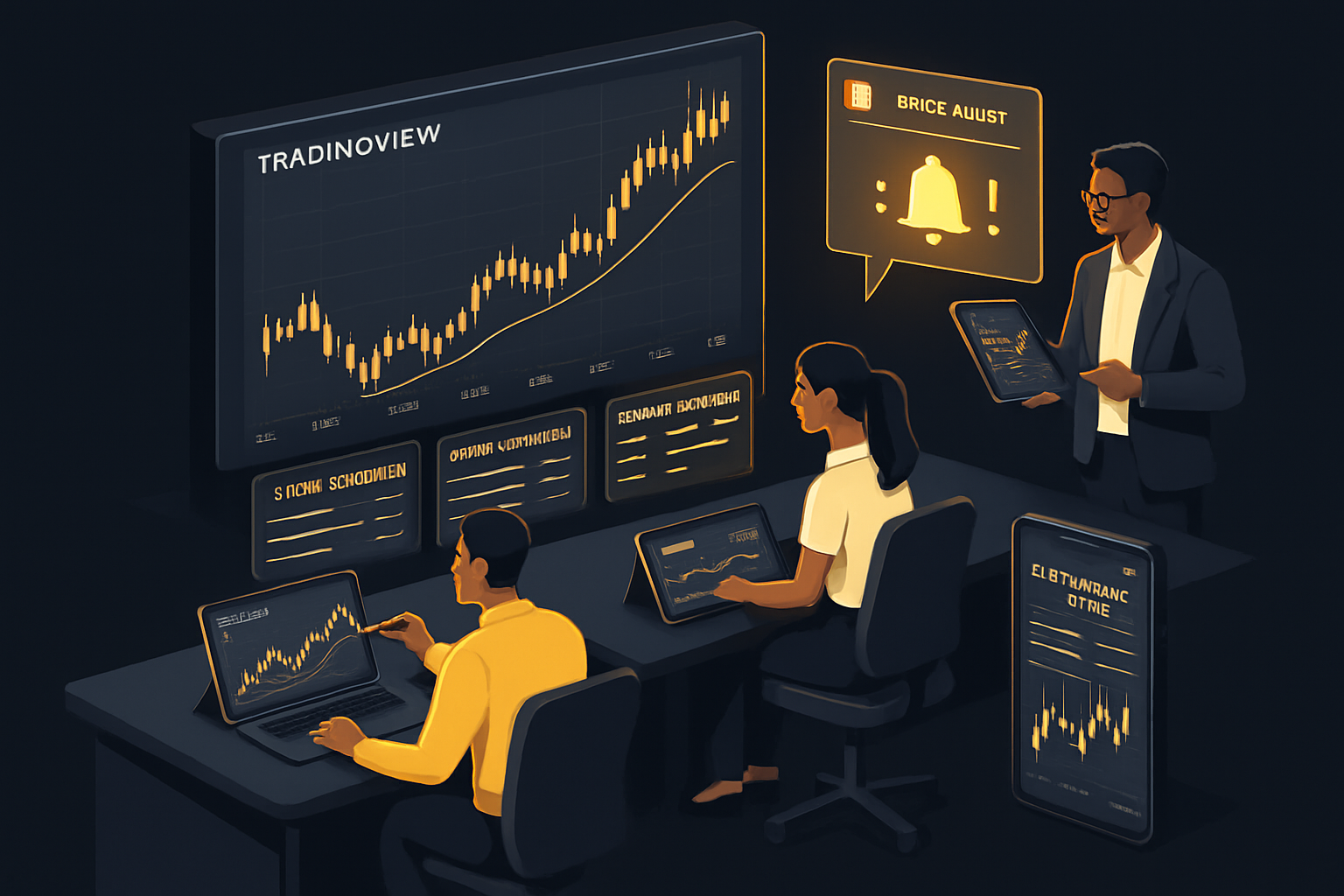
The free tradingview platform comes equipped with powerful screeners for stocks, forex, and crypto. You’ll find these tools directly in the main navigation bar. They let you filter thousands of assets based on price movements, volatility, volume, technical indicators, and even custom criteria.
Popular screener filters include:
- Top gainers/losers
- Relative volume surges
- RSI or MACD signals
- New 52-week highs/lows
You can easily create and save custom screener filters, tailoring your workspace for day trading or long-term investing. For instance, you might use the stock screener to find high-momentum companies or spot trending crypto pairs in real time.
Here’s a quick table summarizing screener options:
| Screener Type | Key Filters | Customization |
|---|---|---|
| Stocks | Price, sector, indicators | Yes |
| Forex | Volatility, spreads | Yes |
| Crypto | Market cap, volume, trends | Yes |
If you’re new to these tools, check out Beginner trading essentials for a solid foundation on using screeners and other free tradingview features.
Setting Up Free Alerts and Notifications
With free tradingview, you can set up a variety of alerts to stay on top of market moves. Alerts are available for price levels, indicator values, and even drawing tool interactions. While the free plan has a limit on the total number of active alerts, it’s more than enough for most traders’ needs.
Types of alerts you can create:
- Price crossing a specific level (e.g., BTC/USD above $70,000)
- Indicator-based triggers (like RSI overbought/oversold)
- Drawing tool interactions (trendline breaks)
Managing your alerts is simple. On the chart, click the alarm clock icon, set your conditions, and choose how you want to be notified (browser, email, mobile push). For example, you might set a price alert for gold or bitcoin and receive instant notifications on your phone—perfect for fast-moving markets.
Keep in mind, free tradingview limits you to one alert per asset at a time. If you need more advanced alert types or unlimited slots, consider upgrading later.
Leveraging Economic Calendars and News Flow
Market timing is crucial, and free tradingview helps you stay informed with integrated economic calendars and news feeds. The economic calendar tracks global events like central bank meetings, employment reports, and inflation data—all color-coded by impact.
You’ll also find earnings calendars, dividend dates, and other market-moving events. This information is seamlessly linked to your charts, making it easy to anticipate volatility.
How to use these features:
- Open the calendar panel to view upcoming events
- Filter by country, impact, or asset class
- Combine calendar data with chart analysis for smarter trade entries
The news flow panel delivers timely headlines, sentiment analysis, and social chatter. This lets you gauge market mood before making a move. For example, you can overlay calendar events on your chart to see how major announcements align with price action.
By using these market analysis tools, you can squeeze the most value out of free tradingview and make better-informed trading decisions every day.
Social Features: Community, Ideas, and Collaboration on TradingView
The heart of the free tradingview experience is its global, interactive community. With millions of traders and investors exchanging ideas daily, the platform goes far beyond charting tools. According to TradingView User Statistics 2025, TradingView’s user base continues to grow, making it one of the largest social networks for financial markets. Here, you can connect with traders from every background, learn new strategies, and get instant feedback—all within the same interface.
Sharing & Discovering Trading Ideas
One of the standout features of free tradingview is the ability to publish and browse trading ideas. Users can easily share annotated charts, forecasts, or market outlooks with the community. If you’re looking to follow top analysts, simply explore the Ideas section and filter by asset, timeframe, or popularity. Educational content and editor’s picks offer a great starting point for both beginners and advanced traders.
- Publish your own trading setups
- Browse trending and recent ideas
- Follow expert contributors for inspiration
Every shared idea can be liked, commented on, or saved for later analysis. This open exchange helps you refine your own strategies and stay updated with market trends.
Collaboration, Scripts, and Chat Features
Free tradingview empowers you to collaborate in real time. The built-in chat rooms cover everything from specific asset classes to trading psychology. Private messaging allows you to connect one-on-one with fellow traders. If you’re interested in automation, access to free Pine Script indicators and community scripts is a major advantage. You can copy scripts, modify them, or even publish your own for others to use.
Sharing annotated charts, inviting others to view or comment, and participating in group discussions enriches your learning curve. Collaboration tools make analyzing markets a truly collective effort.
Moderation, Safety, and House Rules
To ensure a positive experience, free tradingview enforces clear community guidelines. Moderators and automated tools help maintain respectful discussions, flag inappropriate content, and protect users from spam. Before publishing ideas or joining chats, it’s wise to review the house rules and etiquette tips.
- Be respectful and constructive in comments
- Credit original script authors
- Avoid sharing personal or promotional links
A safe, welcoming environment means everyone can focus on learning, sharing, and growing their trading skills without distractions.
Advanced Tips for Maximizing TradingView’s Free Plan in 2025
Unlocking the true potential of free tradingview means going beyond the basics. With a few advanced tips, you can customize your workflow, integrate powerful tools, and stay ahead of new features—without ever upgrading to a paid plan.
Customizing Workspaces and Chart Layouts
Personalizing your workspace is one of the smartest ways to get more from free tradingview. Start by organizing multiple watchlists—create separate lists for stocks, crypto, and forex pairs. This keeps your focus sharp and your dashboard clutter-free.
Save custom chart templates with your favorite indicators, colors, and timeframes. While free tradingview limits you to a single saved layout, you can use browser profiles or incognito windows as a workaround to open multiple chart setups simultaneously. This trick is especially handy for monitoring different markets or strategies side by side.
Day traders might prefer a fast-paced layout with short timeframes and quick-access drawing tools, while swing traders can set up broader charts for longer-term analysis. For a hands-on example of advanced charting, check out this TradingView XAUUSD chart guide to see how to analyze gold price action using free tradingview tools.
Want to share your custom setup? Simply save and publish annotated charts to the community, allowing others to view your technical approach and ideas.
Integrating Third-Party Tools and Widgets
Did you know you can bring free tradingview charts into your own website or blog? Embedding is simple—just grab the widget code from TradingView and paste it into your site. Use the Symbol Overview or Mini Chart widget to display real-time market data for your visitors.
For personal projects, TradingView’s lightweight open-source charting library lets you build interactive charts without a paid account. It's perfect for developers or anyone wanting to visualize their own data feeds using free tradingview.
API access for free users is limited, but you can still pull public data for research or learning. If you're running a finance blog, embed a widget to show live prices or technical snapshots. This not only adds value for your readers but also demonstrates your expertise in using free tradingview.
To collaborate, share chart links directly with friends or trading partners, inviting feedback or discussion without needing premium features.
Staying Updated: New Features and Platform Changes in 2025
Trading platforms evolve quickly, and keeping up with updates ensures you get the most from free tradingview. Track TradingView’s official blog and release notes for new features, interface changes, and bug fixes.
Subscribe to their educational resources for tutorials, webinars, and trading tips. Opt in to beta tests or feedback programs to try out upcoming tools before the public. Adapting to new chart types or indicators can give you an edge, so experiment with each release using your free tradingview account.
By staying informed and flexible, you’ll continue to maximize the platform’s value—no subscription required.
Frequently Asked Questions About Free TradingView Use
Curious about the ins and outs of free tradingview? Here are answers to the most common questions traders ask when using the free version in 2025.
Can You Trade Directly from Free TradingView?
With free tradingview, you can analyze charts and plan trades, but you cannot execute trades directly through most brokers. Some integrated brokers may allow order routing, but most users will need to place trades on their broker's platform.
The free tradingview plan supports simulated trading (paper trading) for practice. This is a great way to test strategies without risking capital. For live trading integration, you'll typically need to connect a supported broker and may encounter restrictions. Always check broker compatibility before relying on this feature.
What Are the Main Limitations of the Free Plan in 2025?
Free tradingview offers robust charting, but there are some limitations. Users can only have one chart per tab and set a limited number of alerts. Access to advanced indicators, multi-chart layouts, and priority support is restricted to paid plans.
If you're curious about the most popular indicators available, check out this best trader indicators overview to see what tools are commonly used. Free users also see ads and may experience some data delays, especially for certain exchanges.
Is TradingView Data Real-Time or Delayed for Free Users?
Most free tradingview data is real-time for cryptocurrencies and some forex pairs. However, stock and index data may be delayed by up to 15 minutes, depending on the exchange. This is standard across many platforms due to licensing agreements.
You can upgrade to a paid plan or purchase real-time data packages for specific exchanges if you need instant quotes. Always verify data delay information in the platform's data section before making any trading decisions.
Accessing Advanced Charting Libraries and Widgets
Free tradingview users can use public widgets and embed charts on websites or blogs. However, access to the full charting library for software development requires a commercial license, which is not included in the free plan.
Here’s a quick comparison:
| Feature | Free Widgets | Charting Library |
|---|---|---|
| Embed on Websites | Yes | No |
| Personal Use | Yes | No |
| Custom Development | Limited | Yes (Paid Only) |
If you want to display charts on your blog, widgets are perfect. For building custom trading apps, you’ll need more advanced access.
Getting Support and Staying Safe
Support for free tradingview users is primarily community-driven. You can browse help articles, forums, and connect with other traders for tips. Official ticket support is limited to higher-tier plans.
Privacy and security are prioritized, with two-factor authentication and regular updates. Be mindful of sharing sensitive information in public forums and always review the platform's privacy settings.
For tips on using the platform on the go, check out this TradingView Mobile App Overview, which details mobile features and notifications for free users.
Upgrading Tips and Final Thoughts
When you find that the free tradingview plan no longer meets your needs, consider upgrading. Paid plans unlock more charts per layout, extra alerts, and faster data. Evaluate your trading style and usage before making the switch.
Remember, free tradingview provides a powerful foundation for market analysis. As your skills grow, you’ll know exactly when to take advantage of advanced features.
Now that you know how to get the most out of TradingView’s free tools in 2025, why not take your trading a step further? If you’re ready to put your new skills to work and want real-time, AI-powered buy and sell signals across forex, crypto, stocks, and more, I’ve got something for you. Imagine pairing your TradingView analysis with clear, actionable alerts—no more second-guessing your trades. Give yourself the edge you deserve and See Your Trading Improve With PipTrend. Your journey to smarter, more confident trading starts now!